
Six things a saved product link can show
Separate the page you can see from the order message you have received. The right response depends on both.
These are not degrees of brokenness. They are different situations with different published handling, and the difference decides who waits and for how long.
The six situations, with a practical next action
What you can observe, and what to check next
- Meaning
- The address, login state, network, region or listing may have changed.
- Next action
- Check the original URL and access; ask Oopbuy if an existing order is affected.
- Timing
- A browser error does not start an out-of-stock deadline.
- Meaning
- That option is not currently selectable in the view you opened.
- Next action
- Record the exact variant and ask before accepting a substitute.
- Timing
- Follow an actual message about your order.
- Meaning
- The seller’s display can be out of date.
- Next action
- Treat inventory as unconfirmed until the seller confirms it to the agent.
- Timing
- No deadline follows from the title alone.
- Meaning
- The shop may be unavailable, moved or inaccessible to you.
- Next action
- Keep the shop and order records; ask support about outstanding orders and available remedies.
- Timing
- No automatic cancellation is proved by this page.
- Meaning
- A DIY purchase request may be needed.
- Next action
- Confirm that Oopbuy can buy it, what it costs and whether it can ship.
- Timing
- Use the instructions for that request.
- Meaning
- A variant, item price or domestic freight charge may differ.
- Next action
- Review the current total and any payment make-up request before paying.
- Timing
- Check the actual order message for action required.
The distinction between displayed stock and seller confirmation is supported by Oopbuy’s stock notice, rechecked 14 October 2026. Access checks are practical guidance, not a diagnosis of a live listing.
Why a working page still needs checking
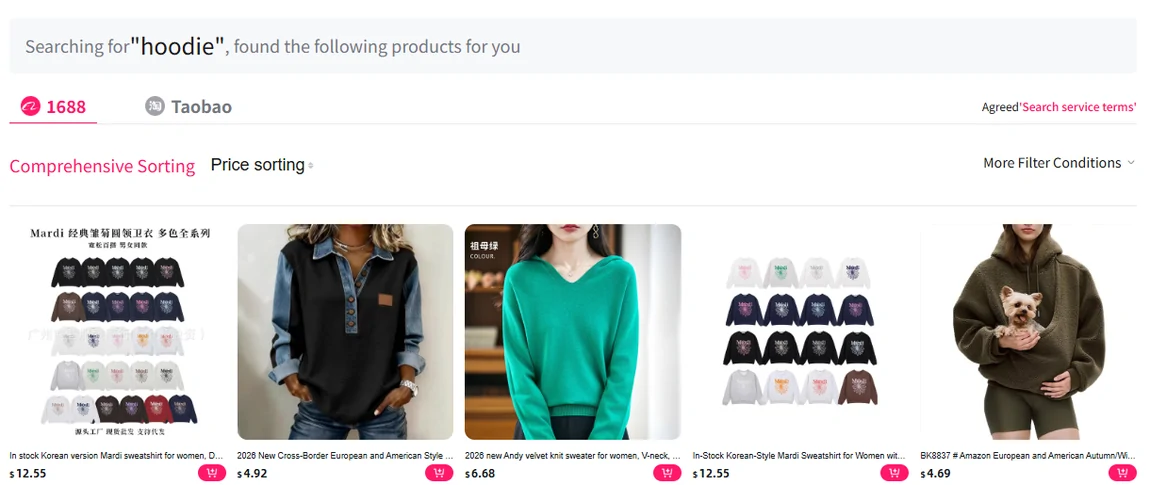
A product title, a selectable size and a price are useful browsing information, but they are not a real-time inventory reading. The official stock notice says seller information can lag behind actual availability.
Keep your shortlist and ask about anything unclear. If you already ordered, read the order messages before changing or repeating it.
The variant case, which hides inside a healthy listing
What survives
The listing, the photographs, the reviews and the shop. Everything that makes a link look trustworthy is still there, because none of it is per-variant.
What does not
The one size or colourway you need. Variants retire individually, and a listing with twelve options and one live option looks identical from outside to a listing with twelve live ones.
Record the exact variant beside the address. That lets you compare the saved choice with the current options and with what the warehouse receives.
Saving the shop rather than only the listing
A seller may create a new listing for a restock or replacement. Saving the shop helps you search for alternatives, but a similar photograph does not establish that the new item is the same.
Note the shop as well as the address
Shops outlive listings. This is the smallest habit on this page and the one most people skip.
Note the variant you actually want
Keep the size, colour and current price together. Each can change independently, and each helps identify what you meant to order.
Note the date you saved it
A link saved last week and a link saved last season are different risks, and nothing about the page tells you which it is.
Points this raises
A listing has not changed in months
Age is not the signal people assume. A listing is cheap to leave up, so an old page says nothing about stock. Recent reviews with photographs are a better sign than a recent edit.
The same item appears under several shops
Several shops may use similar photographs. Compare the descriptions, variants and return terms separately; multiple listings do not prove that any shop has stock.
Only the price has changed
A changed price is not an out-of-stock notice. The purchasing instructions allow a payment make-up when the actual product or domestic shipping cost differs. Read the specific request before paying.
A saved URL and a purchase record answer different questions
Save the listing date, shop identity and selected option alongside the address. When you return, compare those details with the current page. A link can still open while the selected size has gone, the material has changed or the lowest visible price belongs to an accessory.
For example, a saved trainer link may now default to a different colour. Restore the intended option and check its current price before submitting. If the old option is missing, ask about that option rather than calling the whole page “out of stock.”
After payment, use the agent order number and messages to follow the actual purchase. A later broken link does not establish that the agent failed to buy it, cancelled it or issued a refund. Keep any explicit seller or agent availability notice with its date; that notice can trigger a different next step from a page error.