
Oopbuy Spreadsheet,
from link to order.
Browse the Oopbuy Spreadsheet, save the right variant, and follow your item from seller to warehouse to delivery.
Start with a category
Six ways into the Spreadsheet. Compare the seller’s current options before adding an item to your order.
All 16 categories → Browse category
SneakersCompare the exact size  Browse category
HoodiesSave the colour and size  Browse category
TeesCheck the print and size chart  Browse category
JeansCompare waist and length  Browse category
BagsCheck dimensions and hardware  Browse category
CapsCheck fit and fastening
Illustrative product photos. Check availability, price and specifications on the current seller listing.
A shortlist first. An agent when you order.
What is the Oopbuy Spreadsheet?
A category-based directory of product links. It helps you compare finds and save a shortlist without repeating the same searches. A saved link does not reserve stock or confirm the seller’s price.
How to use the Spreadsheet →What does Oopbuy do?
Oopbuy is a shopping agent: it buys from the seller on your behalf, receives the item at its warehouse, provides inspection information, and arranges the international parcel you select.
Service scope and limits →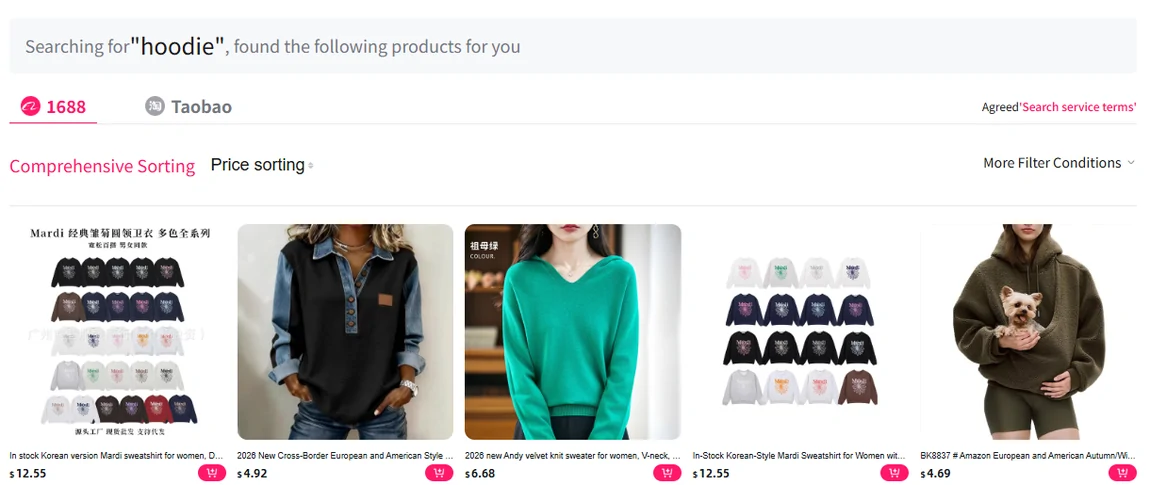
Use the original product link and your exact size or colour. Search titles can be out of date; Oopbuy’s stock-display notice, checked 14 October 2026, explains why seller confirmation can differ.
When a link needs a second look
Already paid, still browsing, or stocked in? The next action depends on your stage.
Use link triageTake the next step with the full picture
Why use this route?
The Spreadsheet brings related finds together. Oopbuy adds purchasing support, warehouse inspection and the option to combine eligible items into a parcel. These can help when sellers do not offer the buying or delivery route you need.
Compare the total delivered cost and return conditions first. Consolidation is useful when the combined parcel actually suits your destination, dimensions and timing.
Read the buying guide